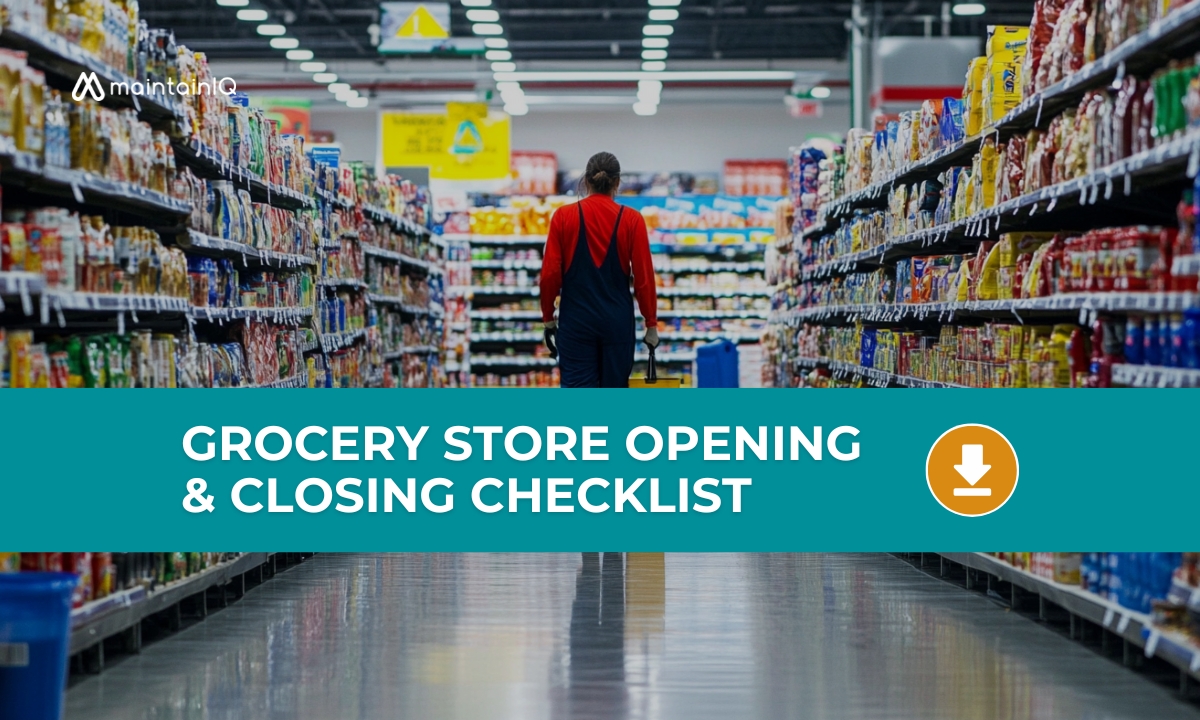
Running a grocery store means managing hundreds of small but critical tasks every single day — before the first customer walks in and after the last one leaves. A missed temperature check can lead to a health code violation. An uncounted cash drawer can mean unexplained losses. An unlocked walk-in cooler door can spoil thousands of dollars in inventory overnight.
That’s why we’ve created this Grocery Store Opening & Closing Checklist — organized by zone (security, food safety, front end, receiving, and backroom) with separate opening and closing pages, each with a MON–SUN daily tracking grid.
Digitize and automate this checklist with MaintainIQ, your all-in-one maintenance management platform.
What’s Inside This Checklist
Opening Pages:
- Security & Facility: Exterior safety check, alarm/cameras, lighting walkthrough, emergency exits, fire extinguishers, HVAC, restrooms, floor hazards.
- Refrigeration & Food Safety: Temperature logging for all coolers, freezers, and hot-holding units, product rotation (FIFO), expired item pull, produce inspection, hand wash station check.
- Front End & Sales Floor: POS startup, cash drawer count, pricing/signage verification, shelf restocking, cart collection, entrance setup.
- Receiving & Backroom: Dock clearing, delivery schedule confirmation, backroom organization, dry storage pest check, chemical storage separation, compactor area.
Closing Pages:
- Sales Floor & Front End: Final aisle walkthrough, go-backs, expired product pull, shelf facing, register cleaning, cash reconciliation, cart retrieval.
- Food Safety & Refrigeration: Final temperature log, food covering/labeling, hot food discard rule (4-hour/135°F), deli and bakery sanitation, cooler/freezer door verification.
- Security & Facility: Full building walkthrough (confirm empty), door locking, alarm arming, lighting, trash removal, floor cleaning, closing manager log.
Why This Checklist Matters
- Food Safety Compliance: Health departments conduct unannounced inspections. Temperature logs, product dating, and sanitation records are the first things they check. This checklist keeps you inspection-ready every day.
- Loss Prevention: Daily cash counts, product waste tracking, and security walkthroughs are foundational loss prevention practices. Consistent execution reduces shrink and unexplained losses.
- Shift-to-Shift Consistency: When every shift follows the same checklist, nothing falls through the cracks — regardless of who’s managing that day. New hires learn the process faster and veteran staff stay accountable.
- Customer Experience: A clean store, stocked shelves, and accurate pricing aren’t extras — they’re expectations. This checklist ensures customers walk into a ready, well-run store every single morning.
How to Use This Checklist
- Assign opening pages to the opening manager. Assign closing pages to the closing manager.
- Each page has a MON–SUN tracking grid so staff can initial off tasks daily for the full week.
- Post food safety pages (refrigeration, deli) in the relevant department for easy access.
- Use the closing manager log to communicate unfinished tasks or issues to the morning team.
- Or go digital with MaintainIQ — automate task assignments by shift, track completion in real time, and maintain a complete audit trail.
Go Digital with MaintainIQ
A paper checklist is a great start. Digitizing your store’s daily operations with MaintainIQ takes it further — automated shift reminders, task assignments by role, mobile logging, photo documentation, and centralized records for health inspections and loss prevention audits. Whether you manage one store or a chain, MaintainIQ ensures consistency, compliance, and peace of mind.