Cooper-Atkins (Copeland)
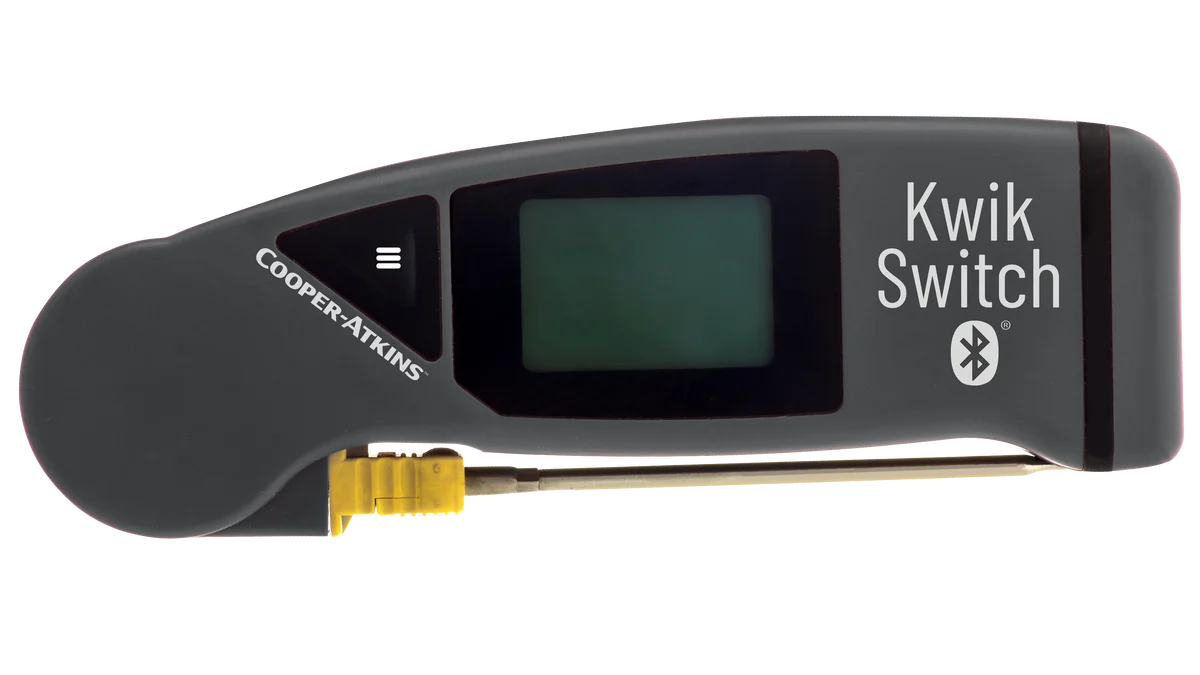
KwikSwitch BLE 94100-B
Folding thermocouple probe with Bluetooth. Fits in a pocket and pairs with the app.
For restaurants, c-stores, hotels and more
Checklists, temperature logs, inspections and work orders in one simple app. Your team knows what to do, you can see it got done, and anything that fails turns into a fix you can track.
Operators at these brands use MaintainIQ
Product tour
The crew works from a phone or the iPad in the kitchen, the housekeeping cart or the sales floor. You watch every location from a browser.
Checklists
Opening, closing, line checks and cleaning lists with due times. Each item is recorded with who did it and when.
Temperatures
Pair a handheld Bluetooth probe with the phone or tablet. Each reading is recorded with who took it and when, and the app marks it by itself if it is out of range.
Work orders
Report a repair, assign it, and follow it until it is closed. Preventive maintenance keeps every piece of equipment on schedule.
Audits
Walk a location section by section on the iPad, score it as a percentage and letter grade, and turn what failed into follow-up tasks.
Every location
One dashboard for food safety, daily tasks, maintenance and work orders at every location, plus a daily summary by email.
Temperature probes
Pair a supported handheld Bluetooth probe with the phone or tablet, and each reading is recorded in the temperature log with who took it and when.
Cooper-Atkins (Copeland)
Folding thermocouple probe with Bluetooth. Fits in a pocket and pairs with the app.
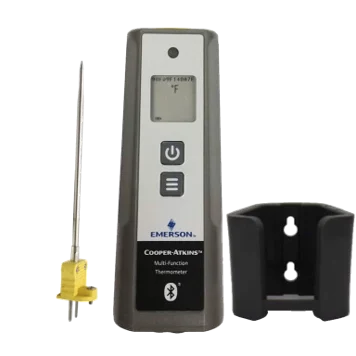
Cooper-Atkins (Copeland)
Handheld Bluetooth thermometer, shown with its probe and wall holder.
Available from most online sellers.
One shift, every location
What a day looks like when the checks live in MaintainIQ instead of a binder. By MaintainIQ's own measurements, managers save 3-10 hours a week.
The crew works through it on the iPad. Each item is recorded with a time and a name.
Readings from the Bluetooth probe go straight into the log. No clipboard.
The prep cooler reads warm and the app marks it out of range. It becomes a follow-up task with a due date, and the repair a work order.
A daily summary shows how each location did, so you know where to call first.
Everything the daily work needs
Five things, one app, one login for everyone at the location. Priced per location, so the whole crew is on it.
Opening, closing, line checks and cleaning lists that work on any phone or tablet. Due times, hourly checks, and a record of who submitted it.
Log readings with Bluetooth probes and keep food safety records ready for the inspector.
Report repairs, assign them, and keep recurring maintenance on schedule for every piece of equipment.
Walk a location with your phone, score it, and follow up on what failed.
Manuals, permits and training documents in one library, and daily summaries by email.
Every location
Whether you run one store or forty, the home screen shows each location's food safety checks, daily tasks, preventive maintenance and work orders at a glance.
Industries


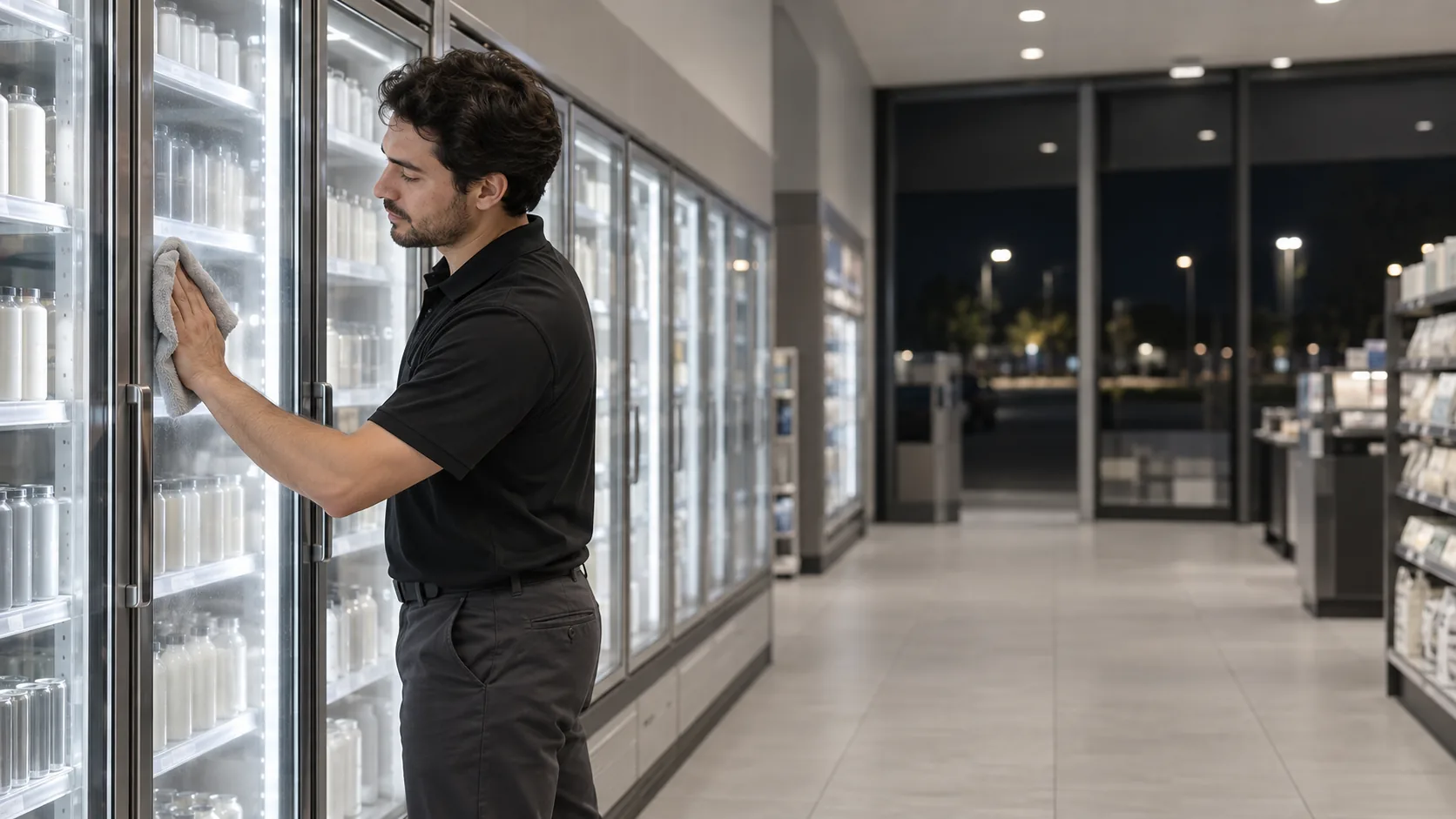

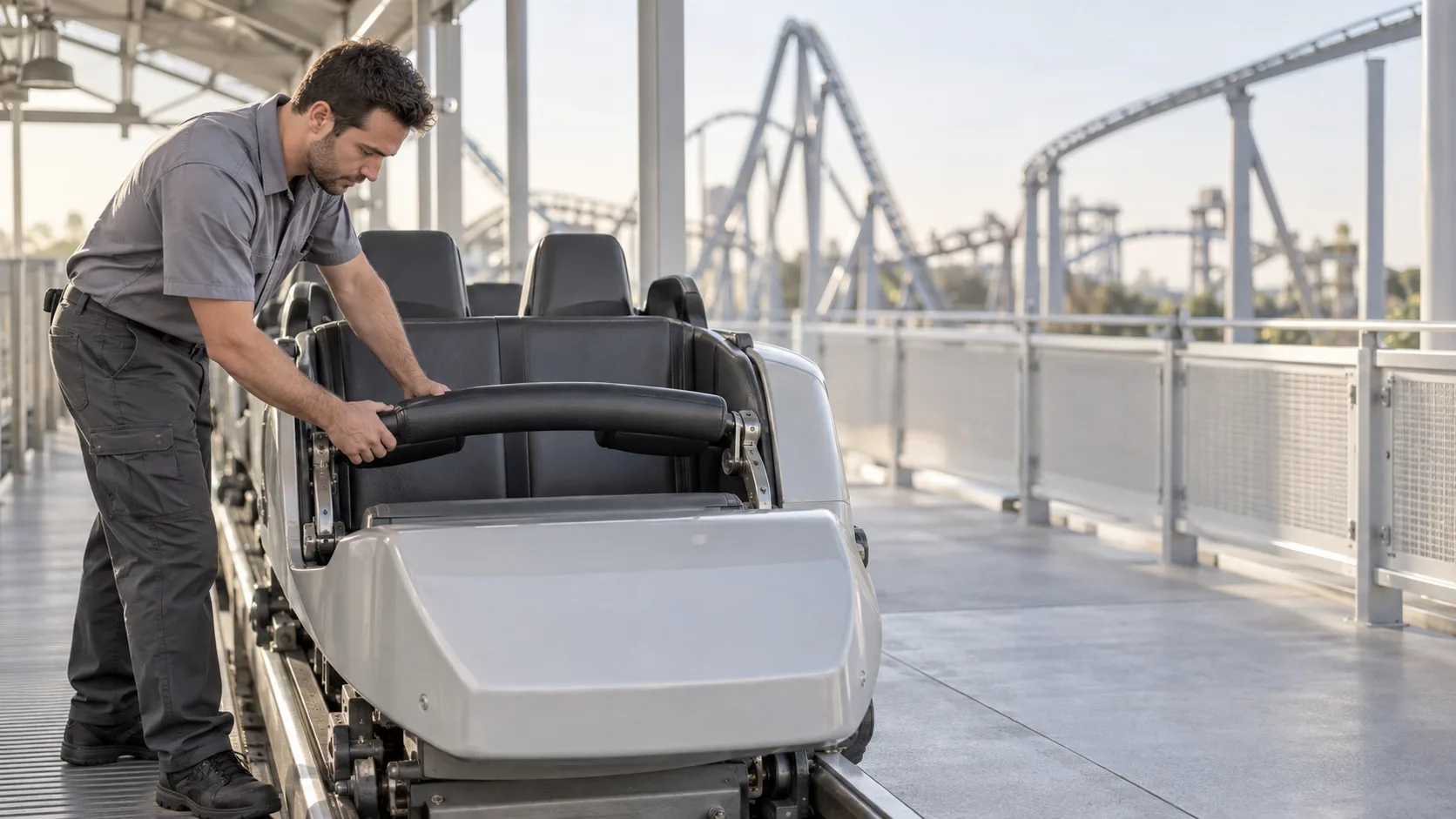
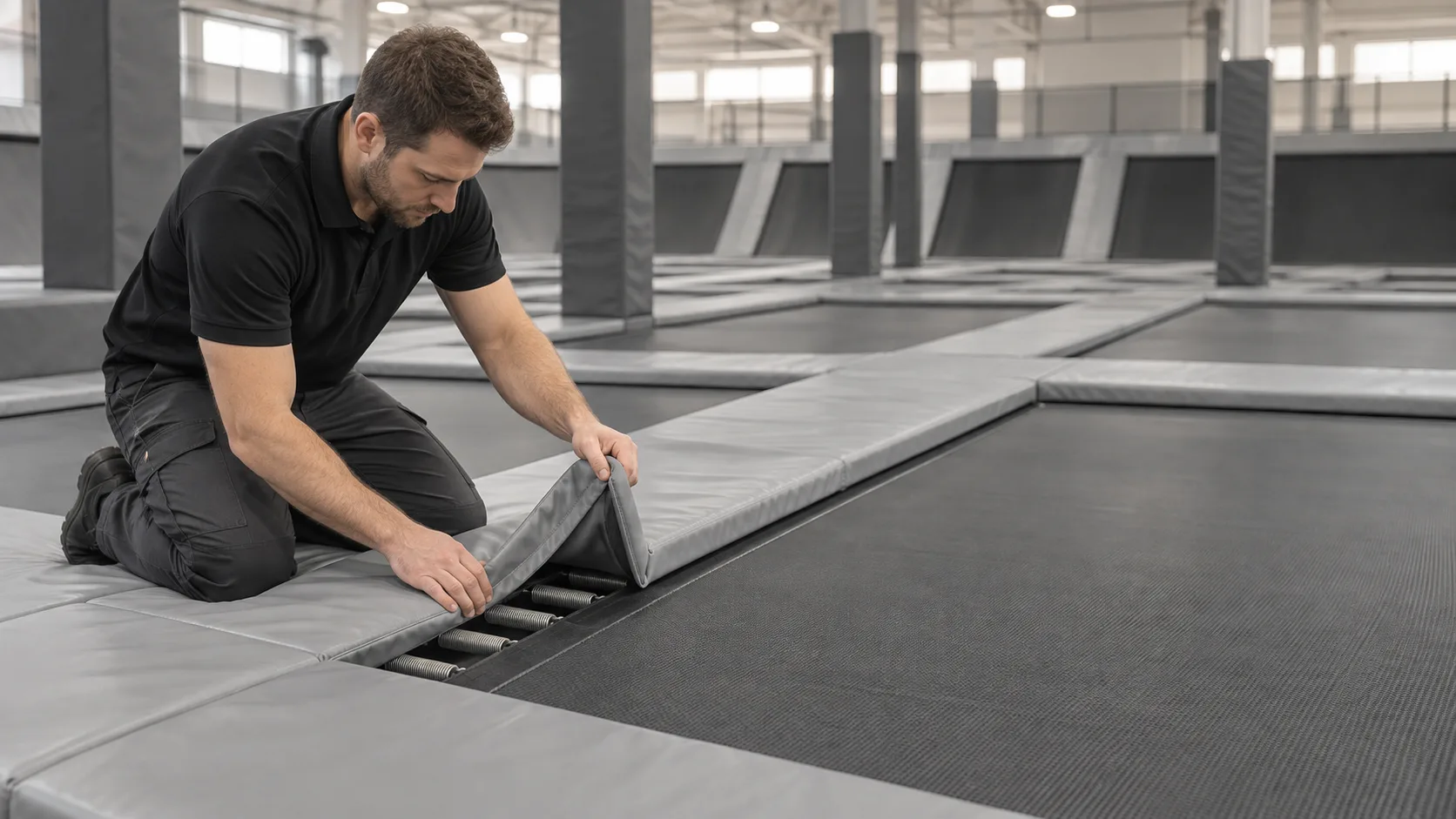

Pricing
Every plan includes unlimited users, so hiring and turnover never change your bill. Pay monthly, or pay annually with a 90-day money-back guarantee.
Free resources
Printable PDFs for opening, closing, cleaning, food safety and equipment maintenance. No email required.
Free kitchen fire suppression inspection checklist PDF. Daily, monthly and semi-annual checks for NFPA 96 and 17A, plus what to do after a discharge.
Free winter facility readiness checklist PDF. Pre-winter building prep, freeze protection, a daily snow and ice log, and a cold weather emergency plan.
Free theme park daily safety and ride inspection checklist PDF. Pre-opening ride checks, park grounds and guest safety, operator readiness and records.
MaintainIQ is an app for running daily operations at one location or many: digital checklists, temperature logs, inspections, work orders and preventive maintenance, with one dashboard for every location.
Per location, with unlimited users on every plan. You can pay monthly or annually, and annual plans come with a 90-day money-back guarantee. See the pricing page for current rates.
Yes. The app works in English and Spanish, so each person can use the language they prefer.
iPhone, iPad, Android phones and tablets, and any web browser.
No. MaintainIQ focuses on getting the daily checks, food safety logs and maintenance done and recorded. Many operators use it alongside a separate scheduling or inventory tool.
Ready when you are
A 15-minute demo with someone who knows the product. Bring your opening checklist and see how it would run in MaintainIQ.
Prefer to talk? Call (888) 534-0261. US-based support.