Maintenance
Work orders in MaintainIQ Report it once, and see it through to closed
See it with your own checklists
A 15-minute walkthrough with our team, for one location or many.
See how a repair moves through MaintainIQ: reported from a phone with a photo, assigned with a priority and due date, and tracked until it is closed.
In this video
TranscriptRead the full transcript
The ice machine stopped making ice before lunch. Someone mentioned it to the manager. The manager texted maintenance. Three days later, it's still broken, and nobody knows who has it.
MaintainIQ is work order management software that gets repairs done.
Your team reports the problem from their phone in a few taps, adds a photo, and sends it, and it's on the manager's screen right away. Set a priority and a due date, and assign it. Your team member accepts it in the app, or you hand it to an outside vendor, who doesn't need a login.
Every work order moves from needs attention, to in progress, to closed, with a dated history of who did what, so nobody reports it three more times.
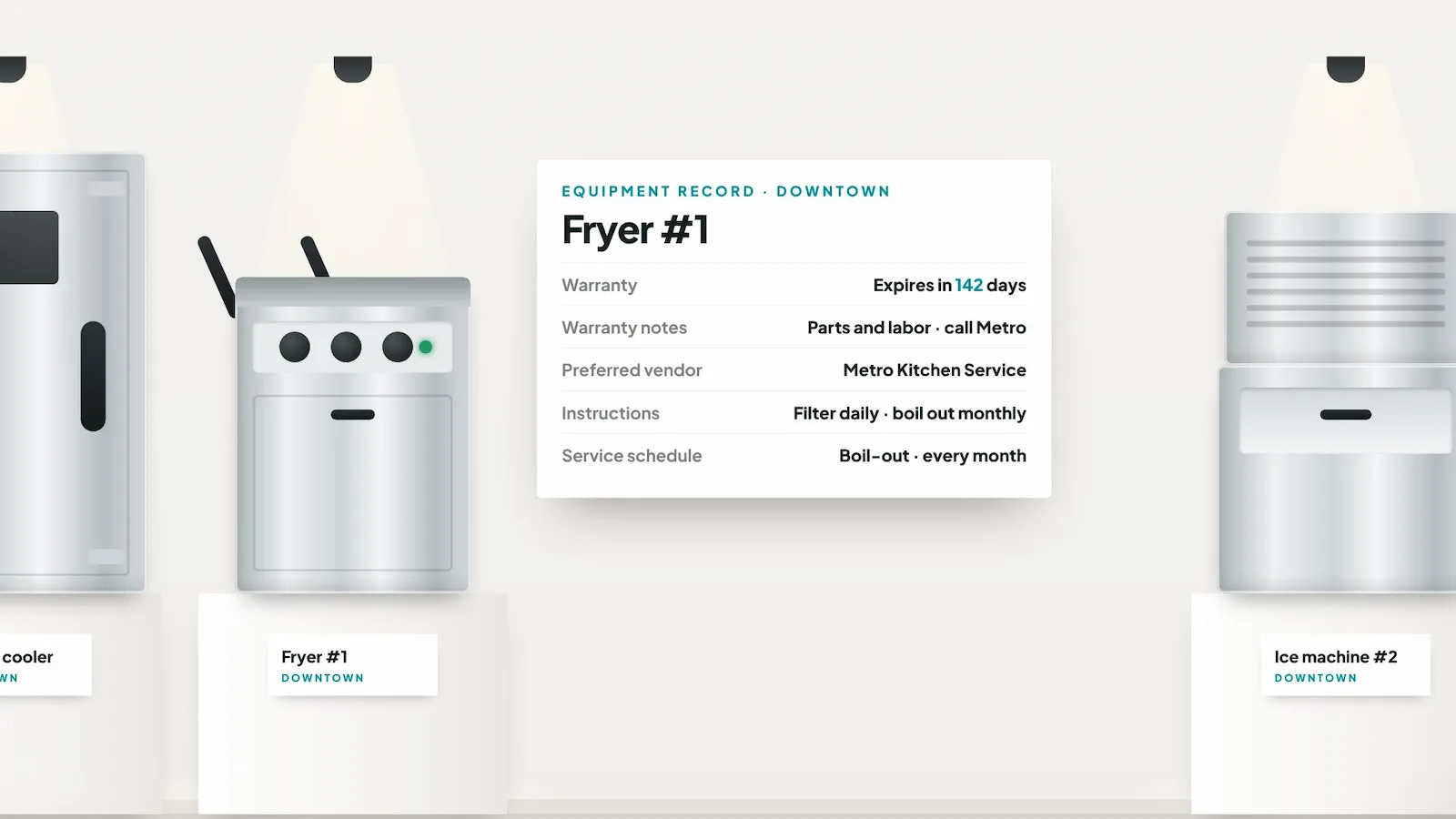
Every repair on a piece of equipment stays in one place, next to its vendor and its warranty countdown, so you check the warranty before you pay for a service call. If the same machine keeps breaking, a custom alert tells you. And a daily summary email shows what needs attention before you get in the car.
On iPhone, iPad, Android and the web, in English or Spanish, with unlimited users per location.
MaintainIQ. Report it once, and see it through to closed.
See it in a free, 15-minute demo.
More videos
All videos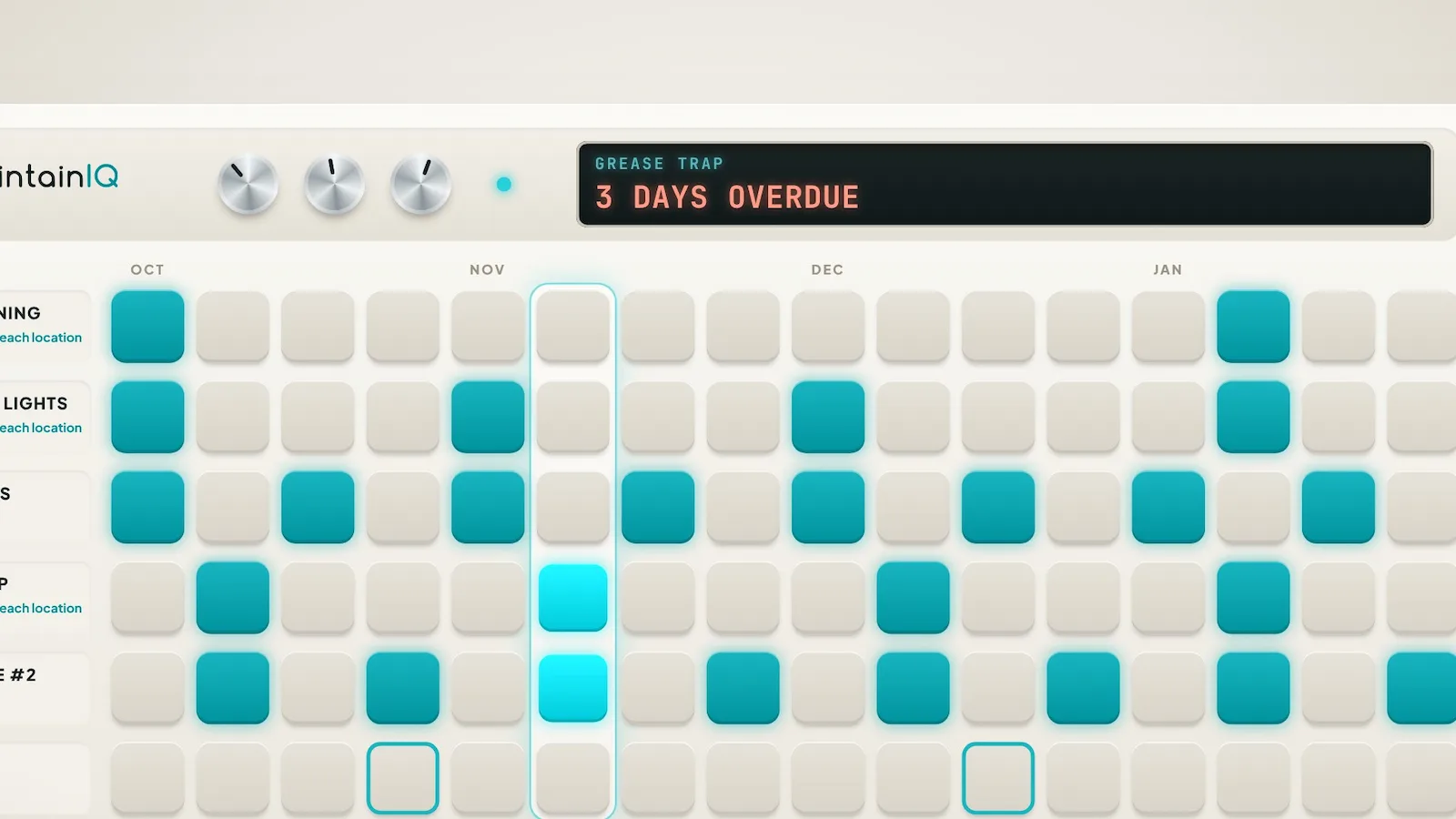
Your staff will change. Your standards shouldn’t.
See how MaintainIQ keeps every location running the same way, every shift.