The Impact of Digital Checklists on Employee Accountability
Digital checklists improve employee accountability by recording who did each task and when. See the features to look for and how to roll them out.
Key takeaways
- Digital checklists record who completed each task and when, so responsibility no longer disappears between shifts the way it does with paper logs.
- When a check fails, such as a cooler reading above 41°F, a good system turns it into a follow-up task with an owner and a due date.
- Roll out in phases with hands-on practice, peer champions and a clear reason for each checklist, and present it as support rather than surveillance.
- Review completion data in regular team meetings and recognize good work in public, so the numbers drive coaching and not only discipline.
On this page
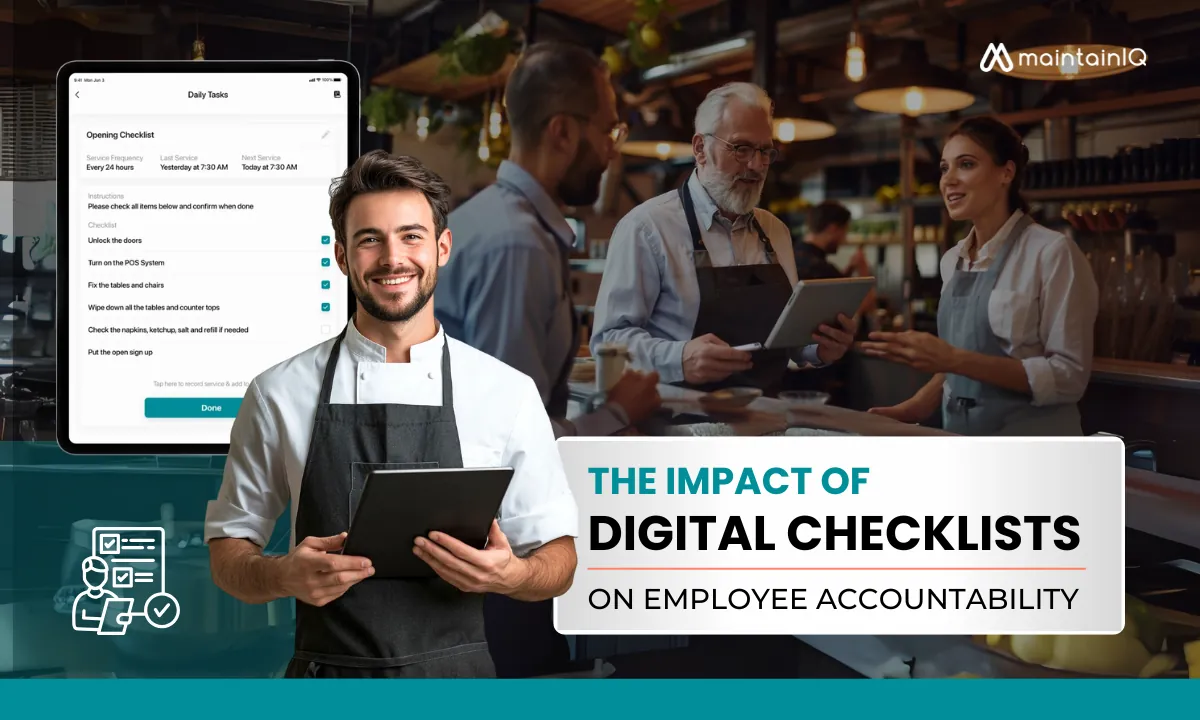
Digital checklists improve employee accountability because every task has a name and a time stamp attached to it. Instead of a paper log that may or may not get filled in, you can see who completed each task, when they did it and what is still outstanding.
You have probably lived through plenty of missed cleaning tasks and accountability gaps that a simple digital system would have prevented. Paper checklists vanish between shifts, which leaves everyone unsure who was responsible and whether the work was actually done.
Digital checklists change this by creating clear, traceable workflows tied to each person’s work. So what happens when everyone can see exactly what needs to be done, and who is responsible for doing it?
The Evolution of Workplace Accountability in Food Service
Before digital tools changed how restaurants manage tasks, food service accountability systems had real structural weaknesses.
Managers struggled with misplaced paper logs, incomplete records and no reliable way to confirm that tasks were actually done rather than simply checked off.
Technology has changed that. Paperless accountability systems now show operational compliance as it happens. The shift closed the gaps that plagued paper methods, where responsibility often dissolved between shifts.
Today’s digital tools create clear, trackable workflows that show exactly who completed which tasks and when.
How Digital Checklists Transform Team Performance
Digital checklists change team performance by giving you visibility into task completion as it happens, across every restaurant location.
You spot performance patterns right away instead of finding problems days later during a manual review. Each task is tied to a specific employee, which builds a culture of personal responsibility. Staff understand that their work is measurable, traceable and linked to how the whole operation does.
Enhanced Visibility and Live Monitoring
When managers cannot see what is happening in daily restaurant operations, accountability suffers and standards slip.
Digital checklists remove this blind spot with clear, immediate feedback on task completion status across your whole organization.
You see exactly what has been completed, what is overdue and who is responsible for each task.
This moves management from reacting to preventing, so you can make better decisions before small issues grow. Live status also removes end-of-shift surprises and keeps you in control of standards.
Personal Responsibility and Task Attribution
Paper checklists often leave responsibility unclear. Digital systems set clear lines of responsibility that change how a team works. With individual task assignment, nobody can hide behind “someone else was supposed to do it”, because actions are time-stamped, attributed and recorded.
Due times and reminders remove excuses like “I didn’t know.” Individual completion records replace subjective opinions with objective facts, and vague team duties become clear personal expectations.
This takes the load off high performers who have been carrying others, and it makes it obvious who is consistently falling short.
Key Features of Effective Digital Checklist Systems
Some digital checklist systems add visual verification, such as a photo of the finished task. Visual records give you an objective compliance record and help confirm that work meets the standard.
Follow-up workflows strengthen accountability further. An incomplete or failed task creates a clear next step for a supervisor, without anyone having to chase it by hand.
Visual Verification Elements
Transparency is the foundation of an effective digital checklist system, and visual verification adds to it. Where a system supports photos, they go beyond a checkbox as proof that a task was done. Visual records also work as a training tool for new staff, which keeps standards consistent across shifts and locations.
| Verification Element | Primary Benefit | Implementation Impact |
|---|---|---|
| Photographic Evidence | Clear proof | Fewer disputes about whether work was done |
| Proper Cleaning Documentation | Safety Compliance | Fewer health code violations |
| Inventory Verification | Accuracy Control | Fewer stock discrepancies |
Automated Follow-up Workflows
Follow-up workflows turn passive records into working tools.
When digital temperature checks fail, for example a cooler above the 41°F cold holding limit in the FDA Food Code, the system should alert a manager, create a follow-up task and set a date to check the fix. That creates accountability without anyone chasing it by hand.
This rule-based follow-up stops issues from falling through the cracks and gives employees a clear picture of what happens next.
Your team knows exactly what happens when standards are not met, and managers see which problem areas keep coming back.
The result is a self-reinforcing accountability cycle that turns food safety risks into fixed issues before they reach guests.
Implementation Strategies for Maximum Adoption
Structured staff training, with hands-on practice, visual guides and regular refreshers, makes sure every employee can use your digital checklist system with confidence.
Management oversight means setting clear accountability measures, reviewing completion rates in shift meetings and doing random spot checks to uphold quality.
Together, these steps make digital accountability tools a normal part of daily operations rather than an extra burden.
Staff Training Approaches
A digital checklist system takes some investment in technology, but adoption depends mostly on good staff training strategies.
- Highlight the benefits rather than the monitoring, which boosts team engagement.
- Run hands-on practice sessions where staff use the app for real tasks.
- Name peer champions who help others on the floor.
- Explain the “why” behind each checklist, so people understand it instead of just complying.
Add recognition for good use and consider a phased rollout to ease the transition from paper checklists. Regular check-ins and ongoing training keep momentum up and answer questions before they slow adoption.
Management Oversight Best Practices
With training in place, the focus shifts to how managers use digital checklist data to drive accountability.
- Set up consistent feedback loops with regular data review sessions.
- Make the consequences of meeting or missing standards clear, and include checklist results in formal reviews.
- Address performance issues right away and recognize excellent work in public.
- Turn team meetings into accountability check-ins by referring to specific checklist results.
This shifts management from reactive oversight to a steady accountability routine, which supports staff and keeps standards high across every shift and location. For more ideas, see how to foster a culture of accountability in your restaurant.
Measuring ROI: The Business Impact of Digital Accountability
The real value of digital checklists shows up in operational measures that affect your bottom line.
You can measure improvements in task completion rates, inspection results and how staff time is used across every service period.
These measurable outcomes add up with long-term benefits such as lower liability, more consistent execution across locations and better decisions based on real records.
Operational Efficiency Metrics
Paper systems rarely give you anything to measure, while digital checklists give you concrete numbers to judge the investment. Moving from reactive oversight to routine accountability shows up across every area of the operation.
- Managers spend less time chasing paperwork and checking up on tasks.
- Better records reduce costly mistakes, waste and guest complaints.
- The financial impact includes avoided penalties and fewer disruptions.
Tracking these measures lets you focus on growth instead of constantly policing basic standards.
Long-Term Benefits for Food Service Operations
Beyond the day-to-day gains, digital checklists deliver lasting business benefits:
- A stronger brand reputation from consistent execution that builds guest trust and positive reviews
- Better employee motivation through clear expectations and fair accountability
- Lower risk from reliable safety routines that protect your reputation
- Steady improvement as your digital records build into a history you can use for decisions
These systems break the reactive management cycle and give your team the information it needs to keep improving.
MaintainIQ and Restaurant Accountability
MaintainIQ gives restaurant operators an accountability system with simple checklist setup, a record of who submitted each checklist and when, and a performance view showing average time late and a completion score for each location.
Managers can use one checklist at many locations, so every site follows the same standard. The dashboard shows what is done, late or missed at each location, so managers can check on standards without being on site.
Platform Overview and Core Functionality
MaintainIQ runs on iPhone, iPad and Android phones and tablets, so staff complete checklists where the work happens and managers spend less time on paperwork.
| Feature | Function | Benefit |
|---|---|---|
| Customizable templates | Tailor to operation needs | Removes irrelevant tasks |
| Submitted by | Name on every completed checklist | Clear record of who did the work |
| Due times | Schedules critical tasks | Shows what is due and overdue |
| Follow-up tasks | Turns failed items into tasks with a due date | Problems get fixed quickly |
| Document library | Stores manuals, plans and records | Quick access during inspections |
This replaces manual tracking with a clear record of who did what across your operation.
Expected Impact on Team Performance
MaintainIQ is built to help with:
- Higher task completion rates
- Less manager time spent checking up
- Better preparation for health inspections
Assigning tasks to a person or a role moves the team from firefighting to owning the work, and the performance view shows patterns across locations so you know where to coach. See how it supports team accountability at every location.
Conclusion
Digital checklists change how accountability works in a restaurant. With MaintainIQ, you can see who completed each task, what ran late and how each location scores on its audits.
That record turns accountability from something you check on into part of how the team works every shift.
Frequently Asked Questions
How Do Digital Checklists Integrate With Existing POS Systems?
Some digital checklist apps connect to POS systems through an API, but many run on their own and do not need a POS connection at all. If an integration matters to you, ask the vendor exactly what data moves between the two systems before you buy.
Can Employees Contest or Appeal Flagged Checklist Compliance Issues?
Employees should be able to question a flagged issue through a clear dispute process. A manager reviews what was recorded, talks to the employee and decides on the right follow-up steps.
What Privacy Concerns Arise When Tracking Individual Employee Performance?
Tracking individual performance raises fair questions about privacy. Tell your team what is recorded, why, and who can see it, so accountability does not feel like surveillance.
How Do Digital Checklists Accommodate Language Barriers in Diverse Teams?
Many digital checklist apps offer more than one language, so each team member can work in the language they read best. That keeps instructions clear and makes the checklist easier for everyone to use.
What Contingency Plans Exist When Digital Checklist Systems Experience Outages?
Keep printed backup checklists and a spare device on hand so work continues during an outage. Agree in advance on who records the results and how they get entered once the system is back.